The Perfect LinkedIn Headshot: How to Get One That Gets You Noticed
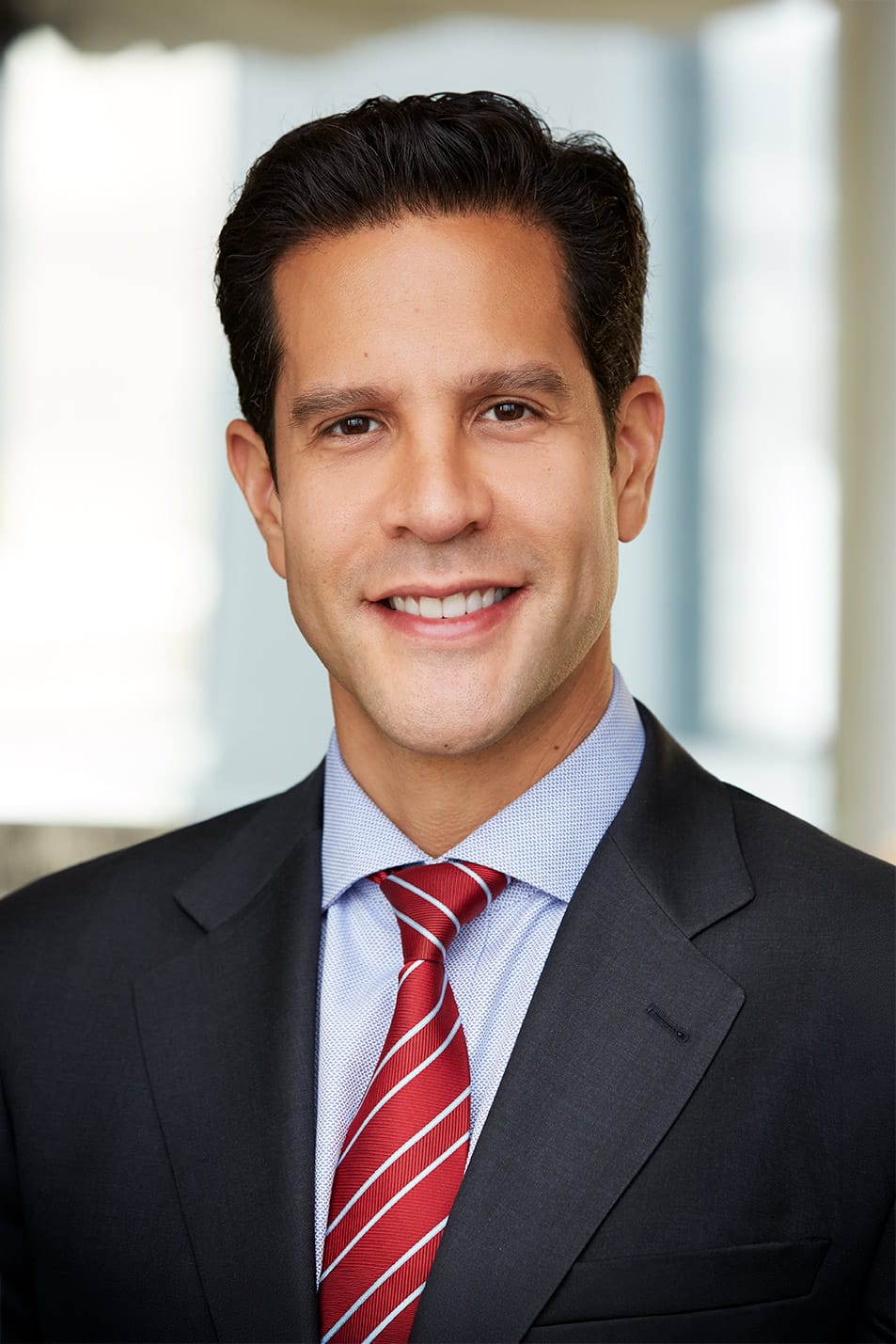
Your LinkedIn headshot is the first thing a recruiter, client, or hiring manager sees – often before they read a single word about you. In about a tenth of a second, people form an impression of how competent, likable, and trustworthy you are, and on LinkedIn that judgment is made almost entirely on your photo. I’m Joshua Shelton, owner and lead photographer at Headshots LA, and I’ve shot thousands of professional LinkedIn headshots for executives, founders, realtors, attorneys, and job seekers across Los Angeles. Here’s exactly what makes a great LinkedIn headshot, how to get one, and the mistakes that quietly cost you opportunities.
What Makes a Great LinkedIn Headshot?
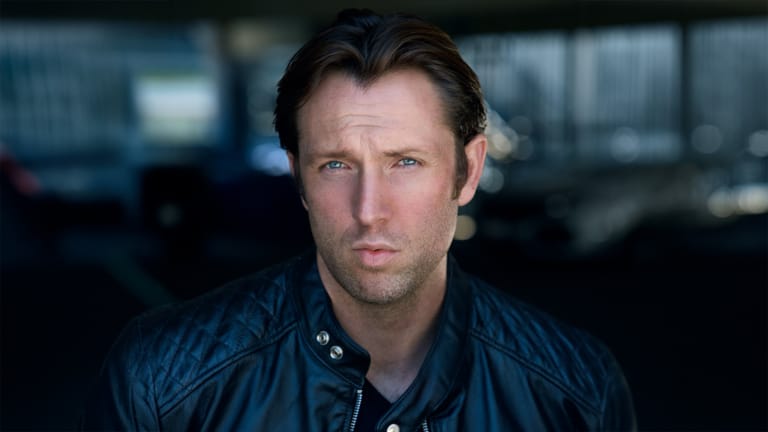
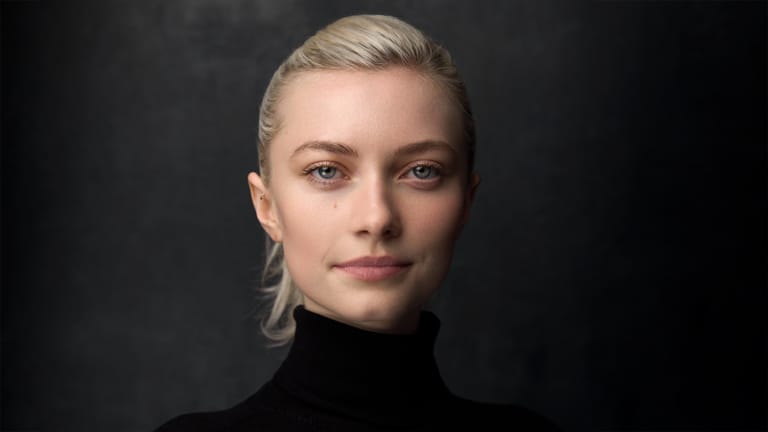
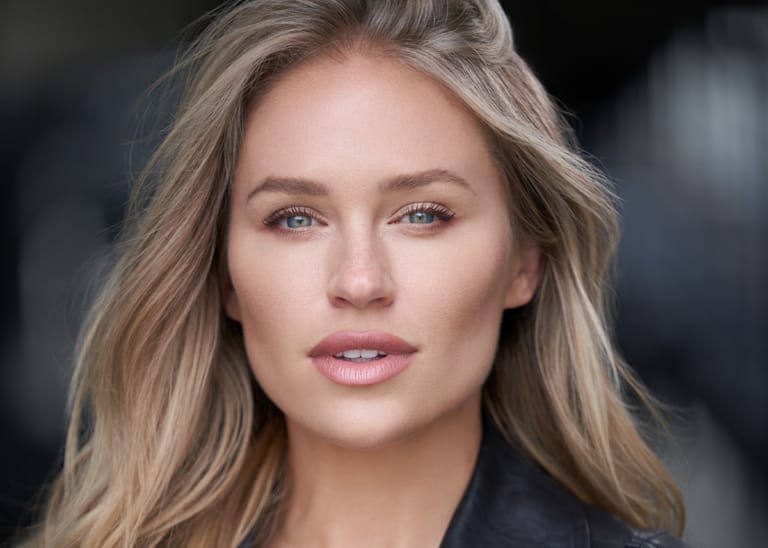
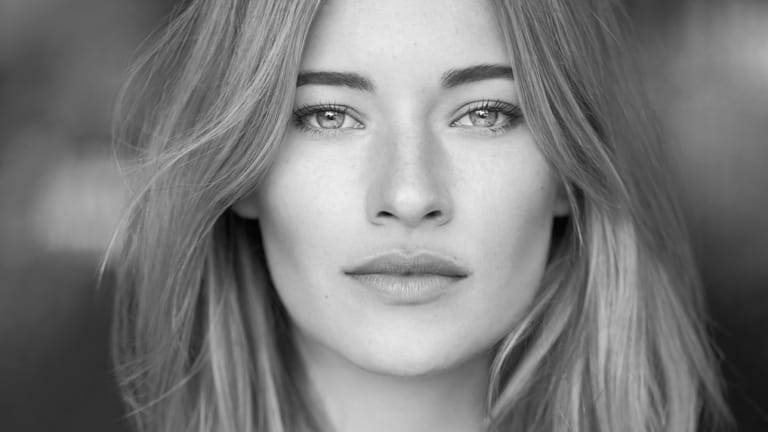
The best LinkedIn headshots all share the same handful of qualities. Nail these and your photo will work for you around the clock:
- A genuine, approachable expression – a real smile with the eyes, not a stiff ID-photo stare. This is the single biggest driver of how trustworthy you look.
- Sharp focus on your eyes and clean, flattering light on your face.
- A simple, uncluttered background that keeps every bit of attention on you.
- Framing with your full shoulders showing – this leaves room for LinkedIn’s circle crop (more on why below).
- Wardrobe that fits your industry – polished, solid colors, no distractions.
- Natural, current likeness – you should look like the person who walks into the meeting.
Do You Really Need a Professional LinkedIn Headshot?
Short answer: yes – and the numbers back it up. LinkedIn’s own Talent Blog reports that profiles with a photo get roughly 14 times more views than profiles without one, and a polished, professional photo consistently outperforms a cropped selfie or a vacation snap. Your headshot is a tiny investment that sits on the highest-traffic real estate of your professional brand. If you’re job hunting, building a book of business, raising capital, or leading a team, a cropped phone photo quietly undercuts the credibility your experience has earned. A professional business headshot removes that friction and makes you look like someone worth reaching out to.
LinkedIn Headshot Examples: Good vs. Bad
You don’t need to be a photographer to spot the difference. Here’s what separates a photo that helps from one that hurts.
What a great one looks like
- Even, flattering light and sharp eyes
- Relaxed, confident expression
- Clean background with clear separation between you and the backdrop
- Well-fitted, industry-appropriate wardrobe
What to avoid
- Cropped group photos with someone else’s arm still in frame
- Harsh overhead or on-camera flash that flattens your face
- Busy backgrounds, sunglasses, or heavy filters
- Photos that are years out of date
Can You Take a Good LinkedIn Headshot Yourself?
If you’re weighing a DIY photo before committing to a session, here’s the honest version: a careful phone photo can be a small step up from a hallway selfie, but it’s fighting an uphill battle the entire time – inconsistent light, no one directing your actual expression in the moment, and no way to properly retouch or re-crop the result for LinkedIn’s circular frame once it’s taken. Most people who try the DIY route end up re-shooting within a few months anyway, usually right after they notice how it compares next to a colleague’s professional photo. A session at the studio solves all of that in under an hour – real direction, real lighting, and a result you won’t need to revisit for a year and a half. See my current headshot packages if you’d rather skip straight to getting it right the first time.
What to Wear for a LinkedIn Headshot
For LinkedIn, dress one notch above your everyday work attire in solid, non-distracting colors – a blazer, a crisp collared shirt, or a refined knit all signal competence and trust. Because wardrobe makes or breaks a headshot, I wrote a complete guide on what to wear for headshots covering colors, fit, and necklines for every industry. It’s worth a read before your session.
AI LinkedIn Headshots vs. a Real Photographer
AI headshot generators are everywhere right now – upload a few selfies, get back a batch of glossy “professional” photos in minutes. The catch is that the result is a synthetic image, and people are getting better at spotting one at a glance: skin that’s a little too smooth and even, eyes that don’t quite line up with the direction of the light, hair or collar edges that blur or dissolve if you look closely. Recruiters and hiring managers scan hundreds of profiles a week – the moment a photo reads as AI-generated, it doesn’t just look impersonal, it plants a specific doubt: if this person wasn’t willing to be seen as they actually are from the very first impression, what else is being polished? That’s the opposite of what a LinkedIn headshot is supposed to do. Your photo’s entire job is to build trust before you’ve said a word – a synthetic face, even a well-made one, quietly works against that from the get-go. A real session gives you an authentic, current likeness, professional lighting, live direction so your actual expression lands, and natural headshot retouching that keeps you looking like you – not a version of you assembled by a model. For a deeper look at the trade-offs, read my full breakdown of real vs. AI headshots.
The One Framing Rule That Matters Most: Shoot for the Circle
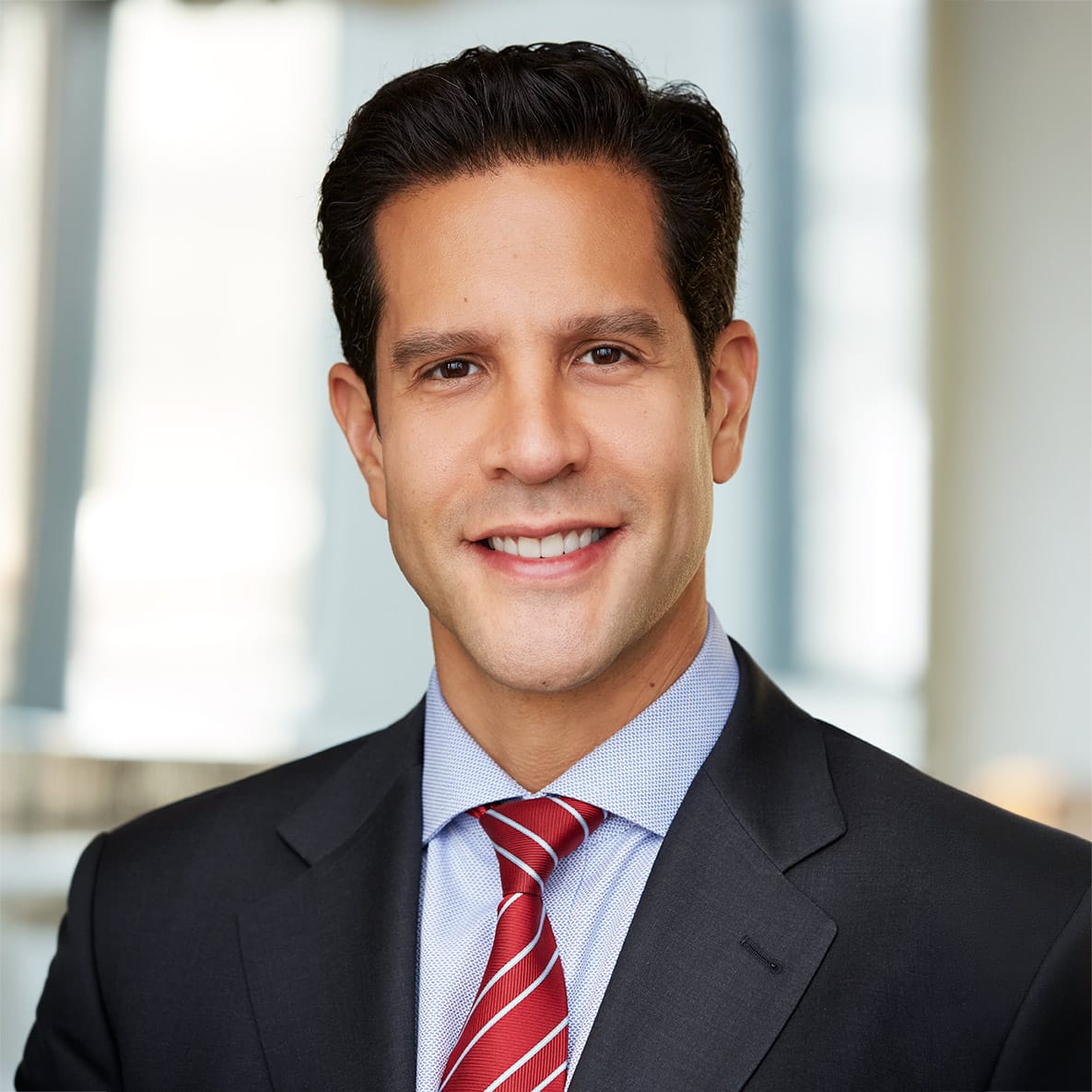
Here’s the single most important thing to get right on a LinkedIn headshot, and it’s the mistake I see most often. LinkedIn shows your profile photo as a circle, but you upload a square (rectangular) image – the platform crops the corners off to make the circle. That means if the photo is framed too tightly, the circle crop slices into the top of your head or clips your chin, and you’re stuck with an awkward result. The fix is simple: shoot the headshot with your full shoulders showing. Photographing a little wider, with your shoulders and upper chest in the frame, leaves enough room on every side so the image can be cropped down to a clean, flattering circle with your face perfectly centered. This is the main thing to remember when shooting a LinkedIn headshot – and it’s exactly how I frame every one at the studio.
LinkedIn Headshot Background & Photo Specs
A clean, simple background is what makes your face pop in that tiny profile circle. Solid light gray, soft white, or a gently blurred neutral tone all read as professional and keep the focus on you. The right tone can also shift a little by industry: law, finance, and corporate leadership tend to photograph best against a deeper charcoal or soft navy backdrop with a more composed, confident expression, while tech, startups, creative fields, and hospitality usually read better against a lighter, airier background with a warmer, more relaxed smile. Neither is a hard rule – just tell me your industry when we shoot and I’ll frame the session that direction. On the technical side, upload a square image that’s at least 400 x 400 pixels (larger is better), and – because of that circle crop – make sure your face and shoulders sit comfortably inside the frame with a little breathing room around the edges. A professional photographer delivers your headshot already framed for the circle, sized, and cropped perfectly for LinkedIn – plus versions for your website, company page, and email signature.
How Often Should You Update Your LinkedIn Headshot?
A good rule of thumb: refresh your LinkedIn headshot roughly every year and a half – sooner if you change roles, change your hair or facial hair in a noticeable way, or simply catch yourself thinking your photo doesn’t quite match who shows up to the meeting anymore. LinkedIn photos age in two directions at once – you change, and so does the bar, since more of your network is upgrading their own photos every year. Staying on an eighteen-month cycle keeps you current without turning your profile photo into something you have to think about every few months.
Getting Your LinkedIn Headshot in Los Angeles
If you’re in Southern California, I’d love to help. At my Los Angeles studio I photograph LinkedIn headshots for professionals every week, and the whole session is built to be fast, relaxed, and genuinely fun – most clients are in and out in under an hour with images they’re proud to post. I direct you through expression and posing (no experience needed), we build a few looks, and you leave with a profile photo that finally matches your reputation. Companies can also book on-location corporate team headshots so everyone’s LinkedIn looks consistent and on-brand.
LinkedIn Headshot FAQ
Do I need a professional headshot for LinkedIn?
It’s one of the highest-return, lowest-cost things you can do for your professional brand. LinkedIn’s own data shows profiles with a photo get roughly 14 times more views than those without one, and your headshot is the first credibility signal every recruiter and client sees.
What should I wear for a LinkedIn headshot?
Dress one notch above your everyday work attire in solid colors – a blazer, a crisp collared shirt, or a refined knit. Avoid busy patterns, logos, and anything ill-fitting.
Are AI LinkedIn headshots good enough?
Most people can spot an AI headshot at a glance – skin that’s a little too smooth, eyes that don’t quite match the light, edges that blur where hair meets the background. Once a viewer notices, it plants doubt before you’ve said a word: if this person wasn’t willing to be seen as they really are, what else is being polished? A real photo builds the trust a synthetic one works against.
What background is best for a LinkedIn headshot?
A simple, uncluttered background – light gray, soft white, or a gently blurred neutral tone – keeps all the attention on your face and reads as clean and professional. Darker, more formal tones tend to suit law, finance, and leadership roles; lighter tones suit tech, creative, and hospitality roles.
How should a LinkedIn headshot be framed?
Shoot with your full shoulders showing. LinkedIn crops your square photo into a circle, so framing a little wider leaves room to crop down to a clean circle without slicing off the top of your head or your chin. It’s the most important thing to get right.
What size should a LinkedIn profile photo be?
Upload a square image at least 400 x 400 pixels (larger is better), framed so your face fills about 60% of the circle. A professional photographer delivers it pre-cropped and correctly sized.
How often should I update my LinkedIn headshot?
About every year and a half is a good baseline – sooner if you change roles, your look changes noticeably, or your current photo just doesn’t match who shows up to the meeting anymore.
Ready for a LinkedIn Headshot That Gets You Noticed?
Let’s create a profile photo that opens doors. See my current headshot packages or book your session online now. Questions about your look or timing? Call me directly at 626-247-3873 and we’ll plan the perfect LinkedIn headshot together.